TL;DR:
SendPulse is the best bulk email service for businesses that email their list often: every paid plan includes unlimited emails, so 10,000 contacts cost $78 a month whether you send 4 or 12 campaigns, and the free plan sends 15,000 emails a month. Brevo is the cheapest full platform for weekly newsletters, SendGrid pairs an email API with campaigns, MailerLite adds websites and digital product sales, and Mailchimp brings 300+ integrations.
Sending a newsletter from a personal Gmail account works right up to the point where it doesn’t. Gmail pauses accounts that send more than 500 emails in a day, and the block can last up to 24 hours.
The rules on the receiving side are stricter still. Since February 2024, Google has required anyone sending more than 5,000 messages a day to Gmail users to authenticate their domain with SPF, DKIM and DMARC, offer one-click unsubscribe and keep their spam rate below 0.30%. In the US, the CAN-SPAM Act adds penalties of up to $53,088 for each email that breaks its rules.
A bulk email service takes care of the sending, but the pricing pages make the options hard to compare: one charges by contacts, another by emails sent, and several cap how many emails each plan can send.
So we priced the same newsletter on five services, using each official pricing page. For a 10,000-contact list emailed once a week, the monthly bill ranged from $46 to $110. Below is what each service gives you for that money, and which one fits your sending pattern.
How we picked these bulk email services
Each service was checked against the same criteria, all verified on official pages:
- Real cost: the published starting price, plus what the service costs at 1,000, 10,000 and 50,000 contacts, so “starting at” prices don’t hide the actual bill.
- Free plan or trial: whether one exists and its exact sending and contact limits.
- Sending limits: how many emails each plan allows per month, since that is where bulk sending usually gets expensive.
- Campaign tools vs. sending infrastructure: whether you get an editor, automation and forms, or an email API and SMTP connection that developers wire into their own systems.
- Deliverability tools: features that help emails reach the inbox, such as list verification, suppression lists and dedicated IPs.
- User ratings: each tool’s score on Capterra, with the number of reviews.
Constant Contact and developer-focused sending services such as Amazon SES also appear often in bulk email comparisons; they sit outside this five-tool shortlist.
Bulk email services compared: 2026 pricing and features
| Criteria | Brevo | SendPulse | Mailchimp | SendGrid | MailerLite |
|---|---|---|---|---|---|
| Best for | Weekly newsletters | Frequent sending | Integrations | API plus campaigns | Newsletters plus sites |
| Pricing model | Emails per month | Contacts, unlimited emails | Contacts | Contacts and emails | Subscribers |
| Free plan | 300 emails/day | 15,000 emails/mo, 500 contacts | 500 sends/mo, 250 contacts | 100 emails/day (API) | 2,500 emails/mo, 250 subscribers |
| Free trial | No (free plan) | No (free plan) | 14 days, card required | 60 days, no card | 14 days, no card |
| Entry paid plan | $9/mo (Starter) | $12/mo (Standard) | $13/mo (Essentials) | $15/mo (Basic) | $12/mo (Comfort) |
| 10,000 contacts, weekly | $46/mo | $78/mo | $110/mo | $50/mo | $89/mo |
| Campaign editor | Drag and drop | Drag and drop | Drag and drop | Design and code editors | Drag and drop, HTML |
| Transactional email | Included | Separate SMTP plan | Add-on (Standard+) | Email API plan | Separate plan |
| Capterra rating | 4.6 | 4.6 | 4.5 | 4.2 | 4.7 |
Source: official pricing pages of each tool and Capterra, checked on October 29, 2026. Monthly billing in USD.
The monthly bill test: what a newsletter really costs in 2026
Starting prices only cover the smallest list. To see the real bill, we picked the cheapest plan on each service that can send every campaign to the whole list in one go, at three list sizes and two sending rhythms. All prices are monthly billing in USD, taken from the official pricing pages.
| Scenario | Brevo | SendPulse | Mailchimp | SendGrid | MailerLite |
|---|---|---|---|---|---|
| 1,000 contacts, weekly (4,000 emails) | $17 (Starter) | $18 (Standard) | $26.50 (Essentials) | $15 (Basic 5K) | $19 (Comfort) |
| 10,000 contacts, weekly (40,000 emails) | $46 (Starter) | $78 (Standard) | $110 (Essentials) | $50 (Basic 20K) | $89 (Comfort) |
| 10,000 contacts, 3x a week (120,000 emails) | $179 (Standard) | $78 (Standard) | $135 (Standard) | $120 (Basic 50K) | $129 (Power) |
| 50,000 contacts, weekly (200,000 emails) | $249 (Standard) | $281 (Standard) | $385 (Essentials) | $200 (Basic 100K) | $319 (Comfort) |
Source: official pricing pages, checked on October 29, 2026. SendGrid figures are Marketing Campaigns plans.
Three things stand out:
- Sending frequency changes the ranking. Brevo and SendGrid are cheapest for a weekly newsletter, but both charge more as volume grows. SendPulse includes unlimited emails on every paid plan, so its price stays at $78 for 10,000 contacts whether you send 4 or 12 campaigns. MailerLite also offers unlimited sending, but only on its Power plan ($129 at that size).
- Sending caps push you up a plan. Mailchimp Essentials and MailerLite Comfort cap monthly sends at 10 times your list and Brevo Starter stops at 100,000 emails, so a third weekly campaign to 10,000 contacts moves all three onto pricier plans ($135, $129 and $179).
- Discounts shift the totals. SendPulse takes 20% off for annual payment ($62.40 instead of $78 at 10,000 contacts), Brevo and MailerLite 10%, and Mailchimp gives 15% off the first 12 months on larger lists. Brevo’s Starter plan also keeps the Brevo logo in emails unless you pay $12 a month to remove it.
The 5 Best Bulk Email Services in 2026
1. Brevo
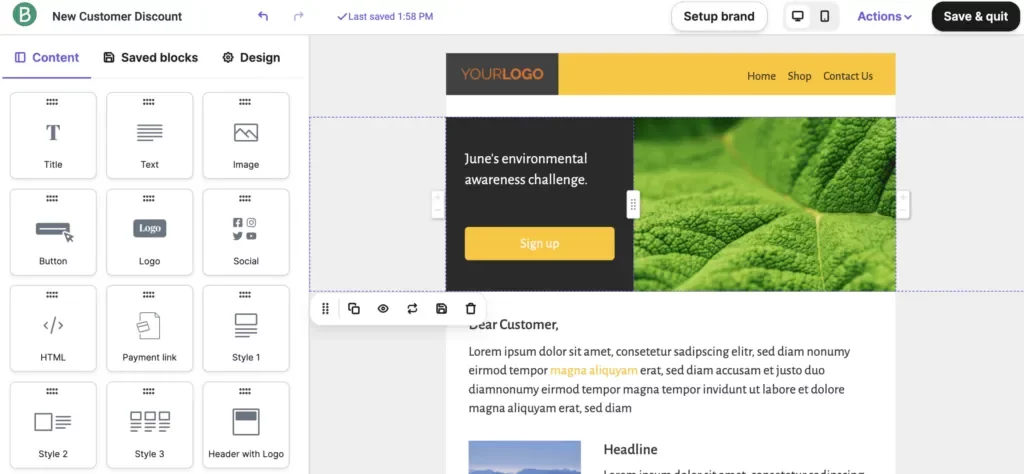
Brevo is ideal for small businesses that send a weekly newsletter to a large list and want the lowest bill on a full marketing platform. The company, formerly Sendinblue, prices its plans by the number of emails you send each month and combines email marketing, transactional email and SMS in one account.
Key features
- Drag-and-drop editor: builds responsive emails from industry templates, so each campaign doesn’t need a designer.
- AI content generator: drafts subject lines and copy and adjusts the tone, which speeds up recurring newsletters.
- Advanced segmentation: filters contacts by demographics, website activity, campaign engagement and custom events, so each send reaches only interested readers.
- Signup forms: capture leads on your site and trigger follow-up emails automatically when someone subscribes.
- Transactional email and SMS: order confirmations and password resets go out from the same account as campaigns; SMS credits are sold separately.
- Marketing automation: from the Standard plan, multi-step workflows are unlimited, so you can nurture leads without manual sends.
- A/B testing: compares subject lines or content variants (Standard and up) to raise opens and clicks.
- AI send-time optimization: delivers each email when that contact is most likely to engage, included in Standard.
- Web and event tracking: follows on-site behavior to trigger messages and build precise segments.
- Deliverability support: the Professional plan includes 3 hours a year with a deliverability expert, and Enterprise adds a dedicated IP.
Pricing and free plan
The free plan needs no credit card and sends up to 300 emails a day, with room for up to 100,000 contacts. There is no trial of the paid plans, since the free plan fills that role.
Starter costs $9 a month for 5,000 emails and 500 contacts, and removing the Brevo logo adds $12 a month. Standard starts at $18 a month and adds automation, A/B testing and one landing page. Both scale with volume: 40,000 emails a month on Starter cost $46.
Professional starts at $499 a month for 150,000 emails and adds WhatsApp, pop-ups, 10 users and phone support. Enterprise is priced on request. Annual billing saves 10%. See Brevo’s official pricing.
Advantages
- The free plan stores up to 100,000 contacts.
- Marketing and transactional email in one account.
- The lowest weekly-newsletter bill among the full platforms here at 10,000 contacts ($46).
- Unlimited automation workflows from Standard.
Limitations
- The free plan caps sending at 300 emails a day, so one campaign to 1,000 contacts takes four days.
- Starter keeps the Brevo logo unless you pay the $12 add-on.
- Volume pricing punishes frequent sending: 12 campaigns a month to 10,000 contacts cost $179.
- The jump from Standard to Professional ($499) is steep for teams that need WhatsApp or more users.
What I like about this platform: pricing by email volume. With up to 100,000 contacts stored on the free plan, I can clean and segment the whole list before paying anything, then upgrade only when the sending schedule picks up.
User rating: 4.6 out of 5 on Capterra, from 3,526 reviews.
2. SendPulse
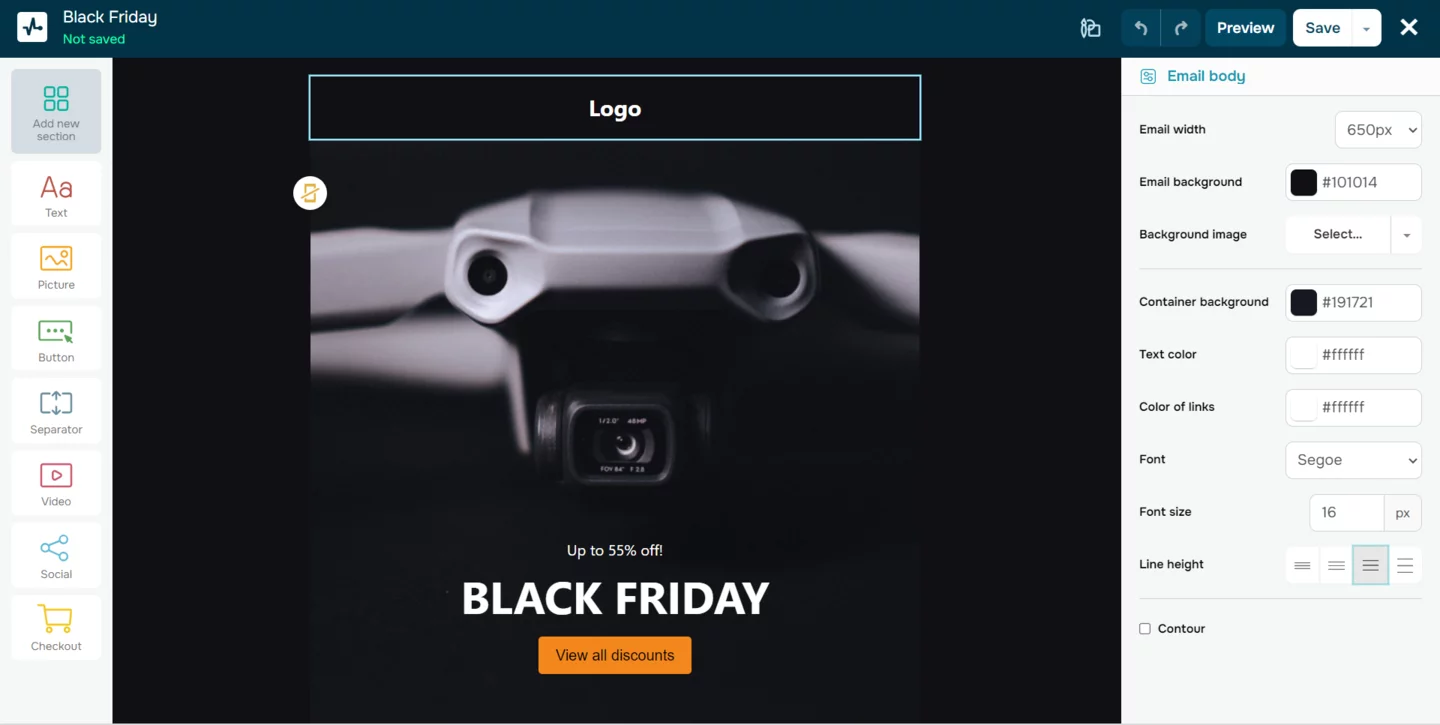
SendPulse is ideal for businesses that email their list several times a week and want a flat monthly price, with email, SMS, web push and chatbots in one automation builder.
SendPulse is an AI-driven marketing platform that helps scaling businesses automate email and chatbot conversations. With a built-in CRM system for lead capture, nurturing, and conversion, companies create more personalized experiences and drive sales. The company is trusted globally, with 11+ years in business and 200,000+ customers.
SendPulse offers a free-forever plan, and SendPulse’s bulk email service combines a drag-and-drop builder, automated funnels and delivery statistics in one dashboard. The same account also includes accessory tools such as a website builder for landing pages, SMS campaigns, web push notifications and pop-up forms.
Key features
- Drag-and-drop builder: 130+ email templates, available on every plan, including the free one.
- AI writing assistant: writes copy from a brief, polishes existing text, changes the tone and translates into 10 languages.
- Automation 360: combines email, SMS, web push and chatbot messages in one flow, so contacts who ignore an email can get the message on another channel.
- Event-triggered emails: welcome, abandoned cart and thank-you emails go out automatically based on what each contact does.
- Segmentation: groups contacts by tags and variables such as location, behavior and interests, and dynamic segmentation on the Pro plan updates segments in real time.
- Personalization: dynamic text inserts each recipient’s name or switches to their preferred language.
- A/B testing: compares subject lines and email bodies, then sends the winning version.
- Resend to non-openers: sends a follow-up, automatically or manually, only to contacts who skipped the first email.
- Spam checker and email verifier: flags blacklisting risks before sending and removes invalid addresses, which protects your sender reputation.
- Analytics: tracks opens, clicks and unsubscribes plus geographic, delivery and error statistics, with Google Analytics tracking and reports in a mobile app.
Pricing and free plan
The free plan never expires, needs no credit card and covers up to 500 subscribers and 15,000 emails a month, with 5 automation flows. There is no trial of the paid plans, since the free plan fills that role.
Every paid plan includes unlimited emails and is priced by list size. For 500 subscribers, Standard costs $12 a month ($9.60 with annual billing) and adds A/B testing, 3 users and 10 automation flows; it costs $18 for 1,000 subscribers and $78 for 10,000.
Pro costs $14.40 a month for 500 subscribers ($11.52 annually) and adds dynamic segmentation, reactivation emails, email verification, 10 users and 50 flows. Enterprise starts at 2,500 contacts, at $63.84 a month, with unlimited users, flows and sender addresses. Annual billing saves 20% and six-month billing 10%. See SendPulse’s official pricing.
Advantages
- Unlimited emails on every paid plan, so the bill doesn’t grow with sending frequency.
- The largest free monthly sending volume in this list: 15,000 emails.
- Email, SMS, web push and chatbots in one automation flow, with a built-in CRM.
- An AI assistant that translates campaigns into 10 languages.
Limitations
- Weekly senders pay more than on Brevo or SendGrid: $78 vs. $46 and $50 at 10,000 contacts.
- The free plan stops at 500 subscribers and keeps SendPulse branding in emails.
- On the free plan, chat support is available only for the first 30 days.
- Dynamic segmentation needs the Pro plan, and Enterprise requires at least 2,500 contacts.
What I like about this platform: the bill stays predictable as the sending schedule grows. With unlimited emails on Standard, a store with 10,000 subscribers can run a weekly newsletter, flash sales and abandoned cart emails without counting sends, and the same Automation 360 flow can follow up by SMS or web push with anyone who didn’t open.
User rating: 4.6 out of 5 on Capterra, from 773 reviews.
3. Mailchimp
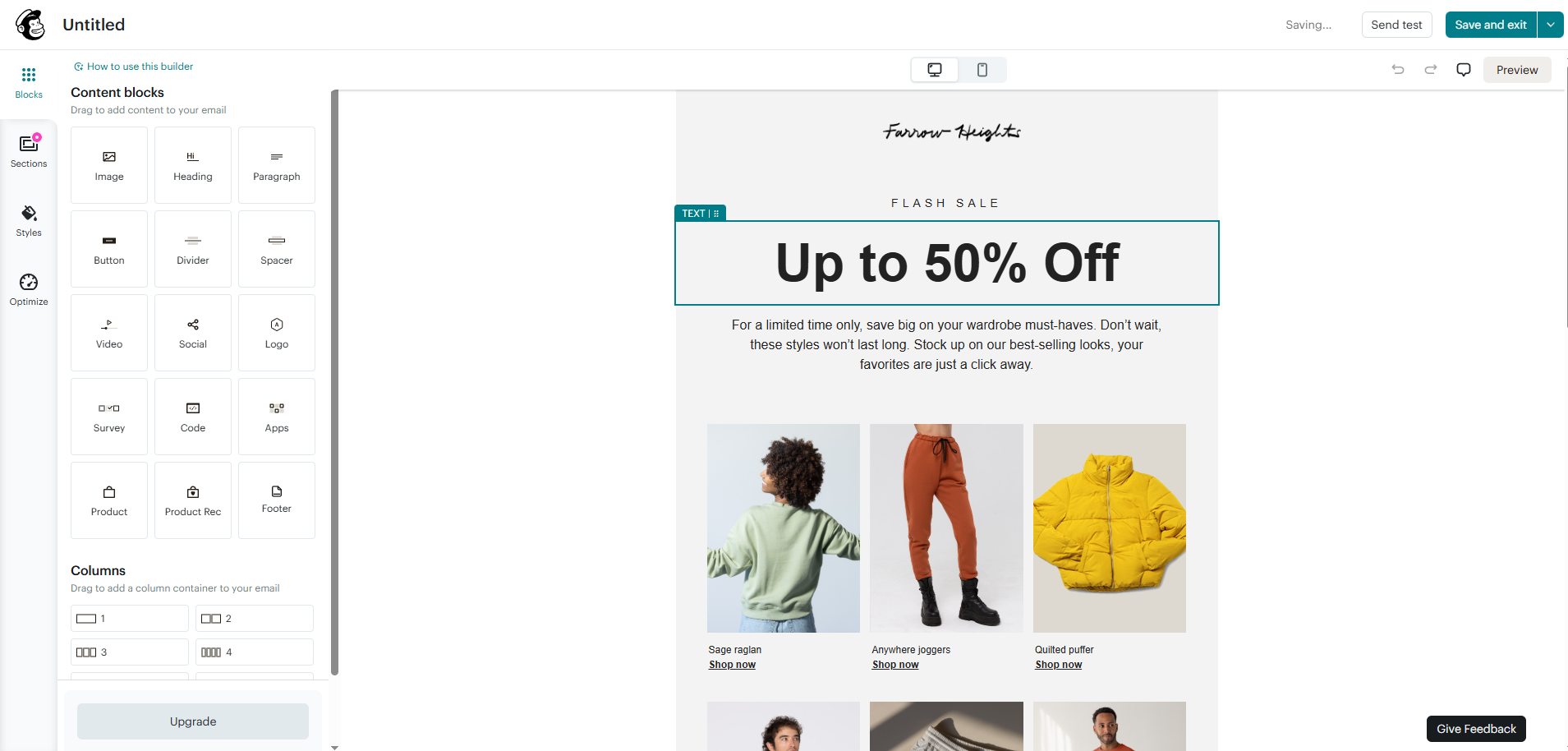
Mailchimp is ideal for small businesses and creators with modest lists who want a widely integrated tool with landing pages and signup forms included. The platform belongs to Intuit and runs from a basic free plan to plans built for large teams.
Key features
- Templates and editor: campaigns built from pre-made templates, with a limited selection on the free plan.
- Pop-up and signup forms: included on every plan to grow the list from your website.
- Landing pages: included on every plan, with no extra tool needed.
- Email scheduling: from Essentials, to send campaigns at the right time.
- A/B and multivariate testing: Essentials includes A/B tests, and Standard compares several combinations at once.
- Automation flows: up to 4 steps on Essentials and up to 200 flows on Standard and Premium.
- Predictive segmentation: from Standard, groups contacts by their likelihood to buy.
- Dynamic content: from Standard, adapts blocks of the email to each contact.
- Generative AI: Intuit Assist, available at no extra cost on Standard and Premium, helps draft campaign content.
- 300+ integrations: connects Mailchimp to online stores, CRMs and other apps.
Pricing and free plan
The free plan covers up to 250 contacts and 500 sends a month (no more than 250 a day), with 1 user and Mailchimp branding. Email support is available for the first 30 days, and sending pauses when you hit a limit.
Essentials and Standard come with a 14-day free trial that requires payment details at signup. For 500 contacts, Essentials starts at $13 a month with sends of up to 10 times your list and 3 users; it costs $26.50 for 1,500 contacts and $110 for 10,000.
Standard starts at $20 a month with 6,000 sends, 5 users, generative AI and predictive segmentation. Premium starts at $350 a month with sends of up to 15 times your list, unlimited users and phone support; a one-month Premium trial is available through sales, and larger lists get 15% off for the first 12 months. See Mailchimp’s official pricing.
Advantages
- 300+ integrations.
- Landing pages and pop-up forms even on the free plan.
- Multivariate testing from Standard.
- A 15% first-year discount on larger lists.
Limitations
- The highest bill in our test for weekly sending: $110 at 10,000 contacts and $385 at 50,000.
- The smallest free plan in this list: 250 contacts and 500 sends a month.
- Essentials automations stop at 4 steps.
- Going over your contact or sending limit on a paid plan adds overage charges.
What I like about this platform: multivariate testing on Standard, which compares several subject and content combinations in a single campaign, plus 300+ integrations that connect it to an online store without code.
User rating: 4.5 out of 5 on Capterra, from 17,580 reviews.
EmailOctopus
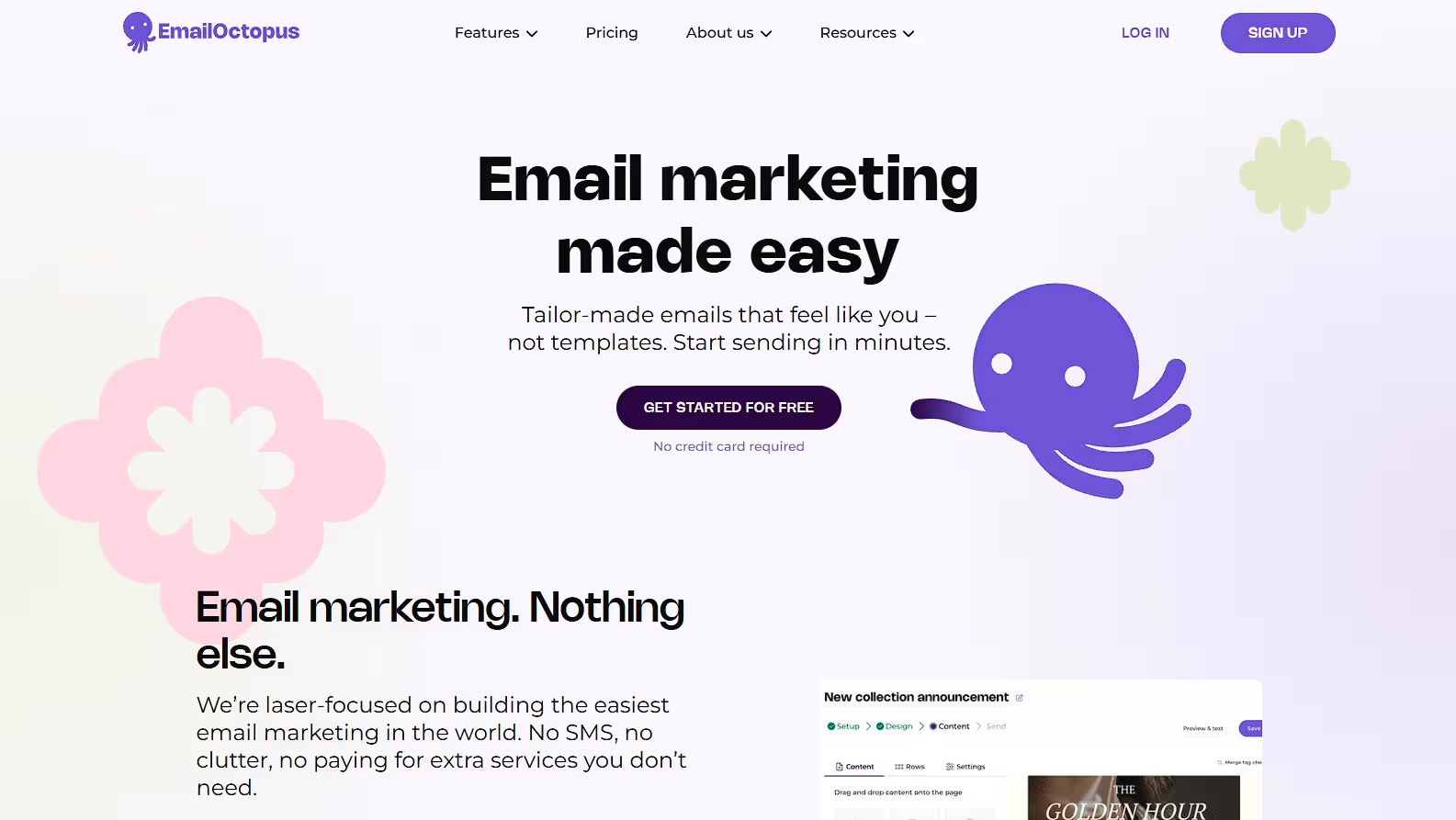
EmailOctopus is ideal for small businesses and newsletter creators who want simple, affordable bulk email, with a generous free plan and paid plans that grow automatically with the list. The UK-based platform has been running for 11 years and serves more than 350,000 customers.
Key features
- Drag-and-drop editor: builds campaigns visually, or you can write your own HTML or import coded templates.
- 100+ templates: mobile-friendly designs, so a newsletter doesn’t need a designer.
- Automations: welcome sequences and follow-ups go out automatically when someone subscribes.
- Segmentation: sends each campaign only to the subscribers it’s relevant to.
- Personalisation: merge tags add each subscriber’s name or other details to the email.
- Gradual sending: spreads a large campaign over up to 24 hours, which helps protect sender reputation on big sends.
- Smart timing: delivers each email at the time that subscriber is most likely to open it.
- Landing pages and forms: collect signups on your site or on a hosted page, with unlimited pages and forms on Pro.
- Reporting: tracks opens, clicks and unsubscribes, and Pro keeps reports forever.
- EmailOctopus Connect: a separate product that runs on your own Amazon SES account for very high-volume senders.
Pricing and free plan
The free plan never expires, needs no credit card and covers up to 2,500 subscribers and 10,000 emails a month. It includes 1 landing page, 1 form and 1 user, and emails carry EmailOctopus branding. There’s no trial of the paid plan, since the free plan fills that role.
Pro starts at $9 a month (billed yearly) for 500 subscribers and 10,000 emails a month. It removes the branding, gives you full design control, unlimited landing pages, forms and users, and keeps reports forever. As your list grows, EmailOctopus moves you up to the right plan automatically and emails you when it does.
Yearly billing saves 10%, nonprofits get a 20% lifetime discount, and lists over 500,000 subscribers get custom pricing. See EmailOctopus’s official pricing.
Advantages
- The largest free subscriber allowance among the campaign tools in this list: 2,500 subscribers and 10,000 emails a month.
- Unlimited users on Pro, so teams aren’t charged per seat.
- Gradual sending and smart timing help large lists land well.
- Fast support, with an average live chat response time of 9 seconds.
Limitations
- The free plan keeps EmailOctopus branding and holds reports for 30 days.
- Free accounts get chat support for the first 30 days only, though email support continues.
- There’s no free trial of Pro, so you use the free plan to test the platform instead.
- It focuses on email, with no SMS or chatbot channels.
What I like about this platform: it keeps things simple. A small business can start on the free plan with up to 2,500 subscribers and stay on it for as long as it likes, then move to Pro without changing anything when the list outgrows it.
User rating: 4.8 out of 5 on Capterra.
4. SendGrid
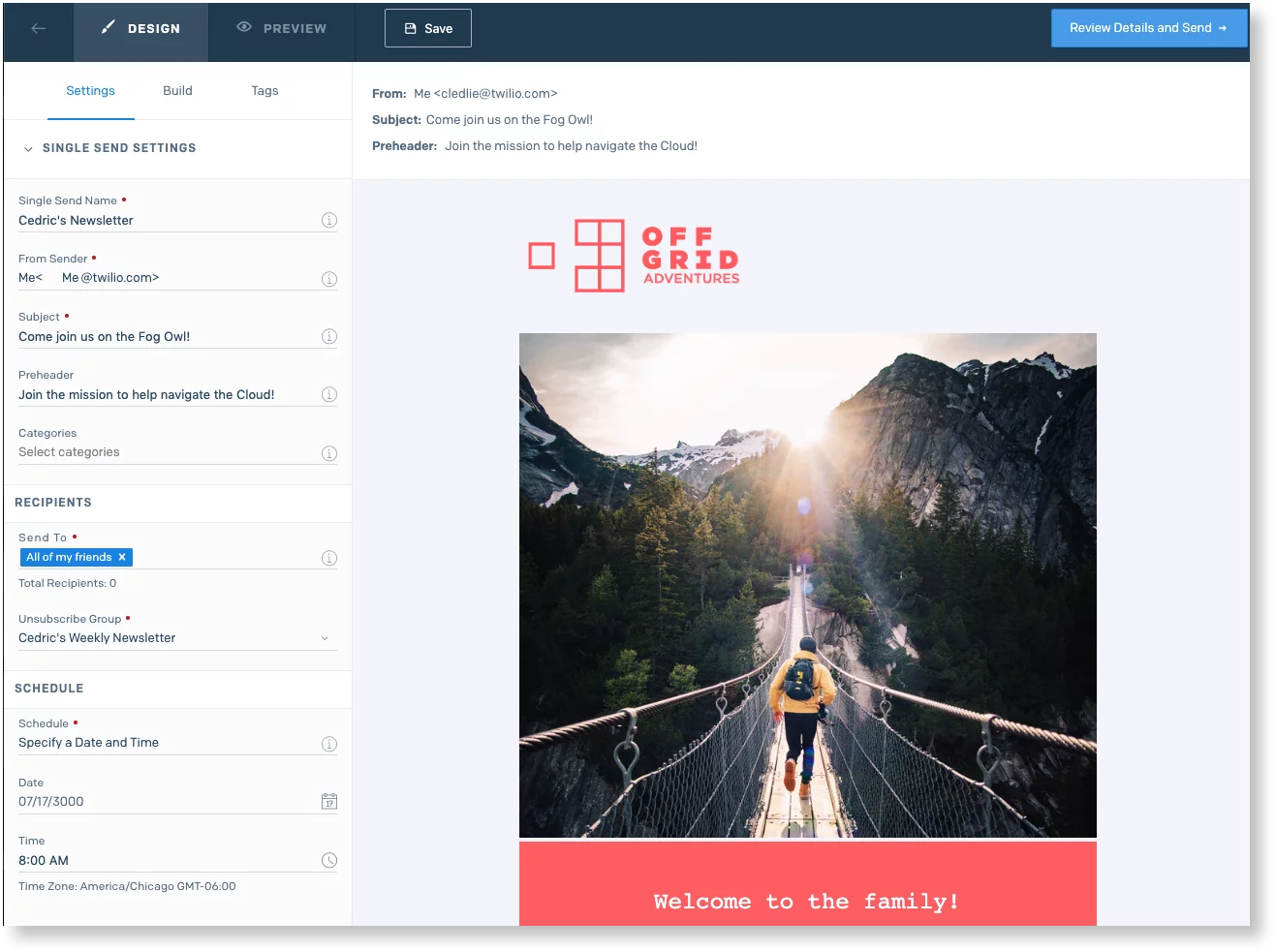
SendGrid is ideal for product teams that need an email API for app notifications and a campaign tool for newsletters from the same vendor. Owned by Twilio, it sells the two as separate products: the Email API for messages your app triggers, and Marketing Campaigns for newsletters.
Key features
- Email API: sends password resets, receipts and alerts straight from your application.
- Design and code editors: Marketing Campaigns lets marketers drag and drop while developers edit HTML.
- Segmentation: builds audiences from contact data for targeted campaigns.
- A/B testing and insights: compares variants and reports on engagement.
- Signup forms: 5 forms on Basic and 15 on Advanced to grow the list.
- Email testing credits: preview how emails render before sending (10 credits a month on Basic, 60 on Advanced).
- Dynamic templates: reusable templates for app-triggered emails, with testing on Pro.
- Dedicated IPs: included on Email API Pro and Marketing Campaigns Advanced, so your reputation doesn’t depend on other senders.
- Email validation: 2,500 free validations a month on Email API Pro to catch bad addresses.
- Team controls: subuser management, single sign-on and up to 1,000 teammates on Pro.
Pricing and free plan
Both products start with a 60-day free trial that needs no credit card: Marketing Campaigns allows 100 contacts and 100 emails a day, and the Email API pricing page also lists a free tier of 100 emails a day.
Marketing Campaigns Basic starts at $15 a month for 5,000 contacts and 15,000 emails, and costs $50 for 20,000 contacts and $200 for 100,000 contacts. Advanced starts at $60 a month for 10,000 contacts and 50,000 emails and goes up to $900 for 200,000 contacts.
The Email API starts at $19.95 a month for 50,000 emails on Essentials and $89.95 for 100,000 emails on Pro, up to $1,099 for 2.5 million. Custom plans are available for both products. See SendGrid’s official pricing for Marketing Campaigns and the Email API.
Advantages
- An email API and a campaign tool from one vendor.
- The cheapest campaign plan in our test at 1,000 contacts ($15) and at 50,000 contacts ($200).
- Dedicated IPs and subusers for teams that send at scale.
- A 60-day free trial with no credit card.
Limitations
- The Email API and Marketing Campaigns are billed separately, so using both means two plans.
- Dedicated IPs start on Advanced ($60) or Email API Pro ($89.95).
- Personalized support and expert services cost extra.
- The lowest Capterra rating in this list (4.2).
What I like about this platform: one vendor for both streams. Product emails go through the API with their own dedicated IP on Pro, while the marketing team runs newsletters in Marketing Campaigns without touching code.
User rating: 4.2 out of 5 on Capterra, from 755 reviews.
5. MailerLite
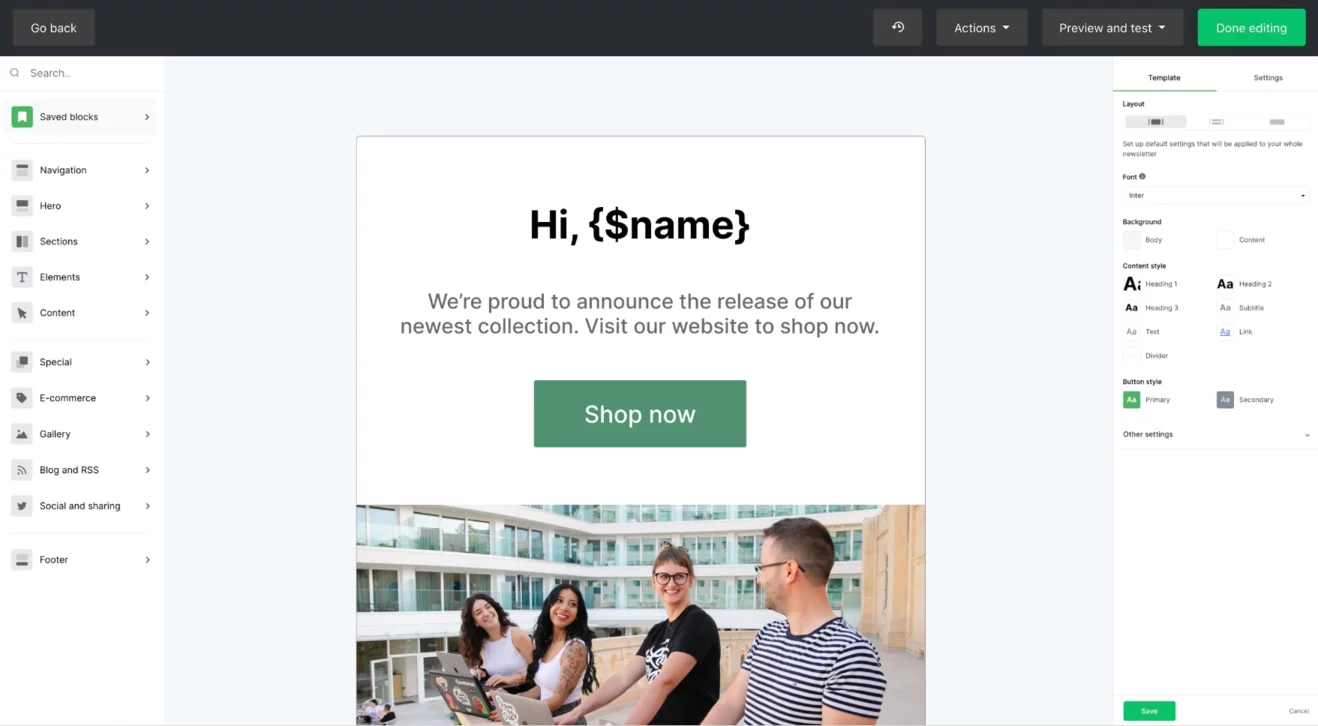
MailerLite is ideal for creators and small businesses that want newsletters, a website and simple digital product sales in one tool, starting from a free plan. Its plans are priced by subscriber count, and every paid plan gets the same feature set, so you pay more only for a bigger list, more sending or higher usage limits.
Key features
- Three editors: drag-and-drop, simple and custom HTML editors on every plan, so both marketers and developers can build campaigns.
- A/B and multivariate testing: email A/B tests on every plan, including Free, and multivariate tests on Comfort and Power.
- Visual automation builder: builds workflows with e-commerce triggers, from 3 automations on Free to 50 on Comfort and unlimited on Power.
- Dynamic email content: on paid plans, shows different blocks to different subscribers inside one email.
- Auto resend campaigns: on paid plans, sends a second version to subscribers who didn’t open the first.
- RSS campaigns: on paid plans, turns new blog posts into newsletters automatically.
- Delivery by time zone: on paid plans, sends each email at the same local time for every subscriber.
- Websites and landing pages: 1 website and 1 landing page on Free, 10 on Comfort and unlimited on Power, built with templates.
- Digital products and paid newsletters: sell digital products and bookings on every plan, and paid newsletters on Comfort and Power.
- Reporting: email click maps, comparative reports and e-commerce sales tracking on every plan.
Pricing and free plan
The free plan covers up to 250 subscribers and 2,500 emails a month, with 3 active automations, 1 website, 1 landing page, 3 active forms and 2 seats; support comes through the knowledge base. New accounts can also try every paid feature free for 14 days with no credit card.
Comfort costs $12 a month for 500 subscribers ($10.80 with yearly billing), with 5,000 emails a month, 50 automations, 10 sites, 3 seats, email support and no MailerLite logo. Monthly sends are capped at 10 times the list size: Comfort costs $19 for 1,000 subscribers and $89 for 10,000.
Power costs $25 a month for 500 subscribers ($22.50 yearly) and adds unlimited emails, automations, sites and seats plus live chat support; it costs $39 for 1,000 subscribers and $129 for 10,000. Enterprise covers 200,000+ subscribers with custom sending volume, priority support and deliverability support. Yearly billing saves 10%. See MailerLite’s official pricing.
Advantages
- The highest Capterra rating in this list (4.7).
- A free plan plus a 14-day trial of every paid feature, with no credit card.
- A website, a landing page and digital product sales even on the free plan.
- Email A/B testing on every plan, including Free.
Limitations
- Comfort caps sending at 10 times the list, so a third weekly campaign to 10,000 subscribers requires Power ($129).
- The free plan stops at 250 subscribers and 2,500 emails a month.
- Removing the MailerLite logo starts on Comfort.
- Live chat support is reserved for Power; Comfort gets email support only.
What I like about this platform: the paid plans don’t hold features back. At $19 for 1,000 subscribers, Comfort already includes multivariate testing, dynamic content and RSS campaigns, so the only reason to move up is volume.
User rating: 4.7 out of 5 on Capterra, from 2,325 reviews.
How to make bulk email reach the inbox
Choosing a service solves half the problem. The other half depends on how your domain is set up and how your list is built. These steps apply to all five services:
- Authenticate your domain: set up SPF, DKIM and DMARC, which Google requires for senders of more than 5,000 messages a day. Most services show the DNS records to add in their dashboard.
- Make unsubscribing easy: include a one-click unsubscribe and a visible link in every marketing email, and honor opt-outs within 10 business days, as the CAN-SPAM Act requires.
- Add your postal address: CAN-SPAM requires a valid physical postal address in every commercial email.
- Watch your spam rate: Google recommends staying below 0.10% in Postmaster Tools and enforces a 0.30% ceiling.
- Clean your list: remove invalid addresses and long-inactive contacts before they drag down delivery rates.
- Warm up new domains and IPs: start with your most engaged contacts and raise volume over a few weeks.
- Separate marketing from transactional email: send receipts and password resets through a transactional stream (API or SMTP) so newsletter complaints can’t delay them.
Conclusion: which bulk email service to choose
- SendPulse: the best fit for frequent senders, with unlimited emails on every paid plan ($78 a month for 10,000 contacts at any frequency), the largest free sending volume in this list (15,000 emails a month) and email, SMS, web push and chatbots in one automation builder with a built-in CRM.
- Brevo: the cheapest full platform for a weekly newsletter, with a free plan that stores up to 100,000 contacts.
- Mailchimp: the most integrations (300+) and landing pages on every plan, best suited to modest lists.
- SendGrid: an email API and a campaign tool from one vendor, with the lowest campaign bill at 1,000 and 50,000 contacts.
- MailerLite: the highest Capterra rating in this list (4.7), with websites, landing pages and digital product sales available even on the free plan.
If email isn’t your only channel for customer communication and you’re exploring WhatsApp as well, see this detailded comparison of the best WhatsApp chatbot platforms in 2026 for a similar price-and-feature breakdown.
Frequently Asked Questions
What is the best bulk email service in 2026?
SendPulse is the best bulk email service in 2026 for businesses that send often, because every paid plan includes unlimited emails and the free plan sends 15,000 emails a month. Brevo is the cheapest full platform for weekly newsletters, SendGrid combines an email API with campaigns, MailerLite has the highest user rating, and Mailchimp offers 300+ integrations.
How much does a bulk email service cost?
Entry plans start at $9 a month on Brevo, $12 on SendPulse and MailerLite, $13 on Mailchimp and $15 on SendGrid Marketing Campaigns. For a weekly newsletter to 10,000 contacts, the monthly bill was $46 on Brevo, $50 on SendGrid, $78 on SendPulse, $89 on MailerLite and $110 on Mailchimp.
Is there a free bulk email service?
Yes. SendPulse’s free plan sends 15,000 emails a month to up to 500 subscribers, Brevo’s sends 300 emails a day, Mailchimp’s covers 250 contacts and 500 sends a month, MailerLite’s covers 250 subscribers and 2,500 emails a month, and SendGrid lists a free tier of 100 emails a day.
What is the difference between bulk email and transactional email services?
Bulk email services such as SendPulse, Brevo, Mailchimp and MailerLite send campaigns to a list from an editor and dashboard. Transactional services such as the SendGrid Email API send one-to-one messages your app triggers, like receipts and password resets, through an API or SMTP. Brevo includes transactional email in its plans, while SendPulse, Mailchimp and MailerLite sell it as a separate plan or add-on.
Which bulk email service has the best deliverability?
Deliverability depends mostly on domain authentication, list quality and complaint rates, so any of these services can reach the inbox when SPF, DKIM and DMARC are set up. They differ in tools: SendPulse includes a spam checker and email verifier, Brevo offers expert deliverability support on Professional, SendGrid includes dedicated IPs and validation on Pro, and MailerLite’s Enterprise plan adds deliverability support.
Can I send bulk email from Gmail?
Only in small batches. A personal Gmail account is paused after more than 500 emails in a day, and Google requires senders of more than 5,000 messages a day to authenticate their domain and offer one-click unsubscribe. A bulk email service handles both and keeps campaigns compliant with CAN-SPAM.