
If you’re searching for miga proxy, you’re probably trying to solve one of three problems.
You want to hide your IP.
You want to access something restricted.
Or you’re running automation and don’t want to get blocked.
That’s usually the pattern.
The internet today isn’t as open as it looks. Websites track IP addresses. Platforms limit multiple accounts. Some content is restricted based on location. And if you’re in SEO, digital marketing, scraping, or ad testing, you already know how quickly an IP can get flagged.
This is where tools like miga proxy come into the picture.
But here’s the thing. Not every proxy is the same. Some are fast but unstable. Some are cheap but risky. Some are built for developers, others for casual users.
So before using miga proxy, you need clarity:
-
What exactly is it?
-
How does it work?
-
Is it safe?
-
And is it right for your use case?
Let’s start from the foundation.
What Is Miga Proxy?
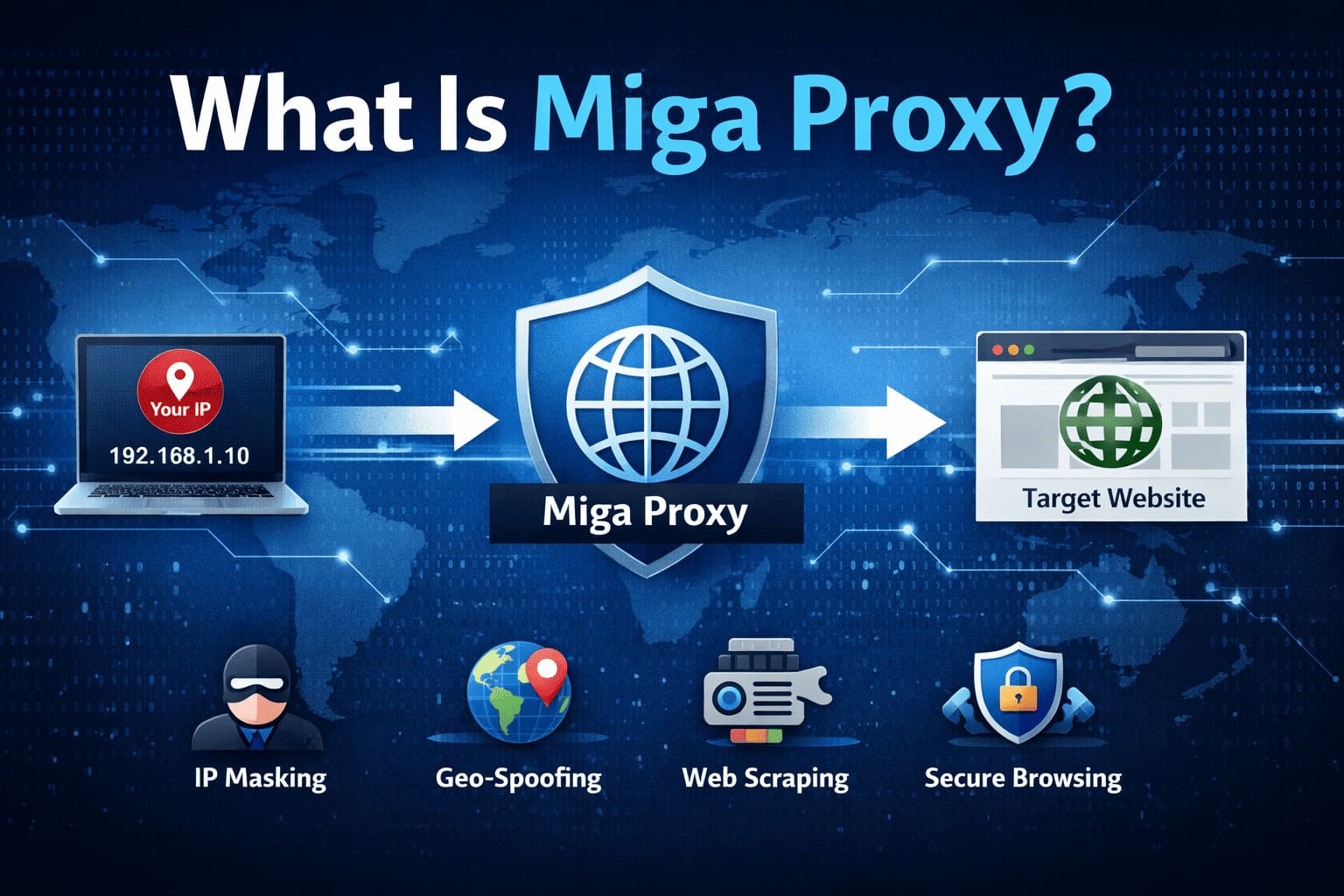
At its core, miga proxy is a proxy service that acts as an intermediary between your device and the websites you visit.
Instead of connecting directly to a website, your request first goes through the proxy server. The proxy then forwards that request on your behalf.
What this really means is simple:
The website sees the proxy’s IP address — not yours.
Every device connected to the internet has a unique IP address. Think of it like your digital home address. When you browse normally, websites can see that address. They use it to track location, detect unusual activity, and sometimes restrict access.
When you use miga proxy:
-
Your real IP stays hidden
-
The proxy server’s IP becomes visible
-
Your location appears different
-
Your browsing request gets rerouted
That’s the basic structure.
Now let’s go a layer deeper.
A proxy server like miga proxy typically provides different types of IPs:
1. Datacenter Proxies
These are fast and cost-effective. They come from cloud servers. Great for scraping and automation, but easier for websites to detect.
2. Residential Proxies
These use real ISP-based IP addresses. They look more natural to websites and are harder to block.
3. Rotating Proxies
The IP changes automatically after a certain time or request. This reduces detection risk.
Depending on how miga proxy is structured, it may offer one or multiple of these types.
Now, why does this matter?
Because your use case defines which type you need.
If you’re checking keyword rankings from different countries, a rotating or residential proxy makes sense.
If you’re running automation scripts at scale, you need stable IP pools.
If you’re just browsing anonymously, even a basic proxy might work.
So when someone asks, “What is miga proxy?” the short answer is:
It’s a service that hides your IP and reroutes your internet traffic.
The real answer is:
It’s a control layer between you and the internet. And depending on how you use it, it can either be a simple privacy tool or a powerful digital operations asset.
How Miga Proxy Works?
Let’s slow this down and make it practical.
When you normally visit a website, your device connects directly to that website’s server. Your IP address is visible. Your location can be estimated. Your activity can be logged.
With miga proxy, that direct connection is interrupted.
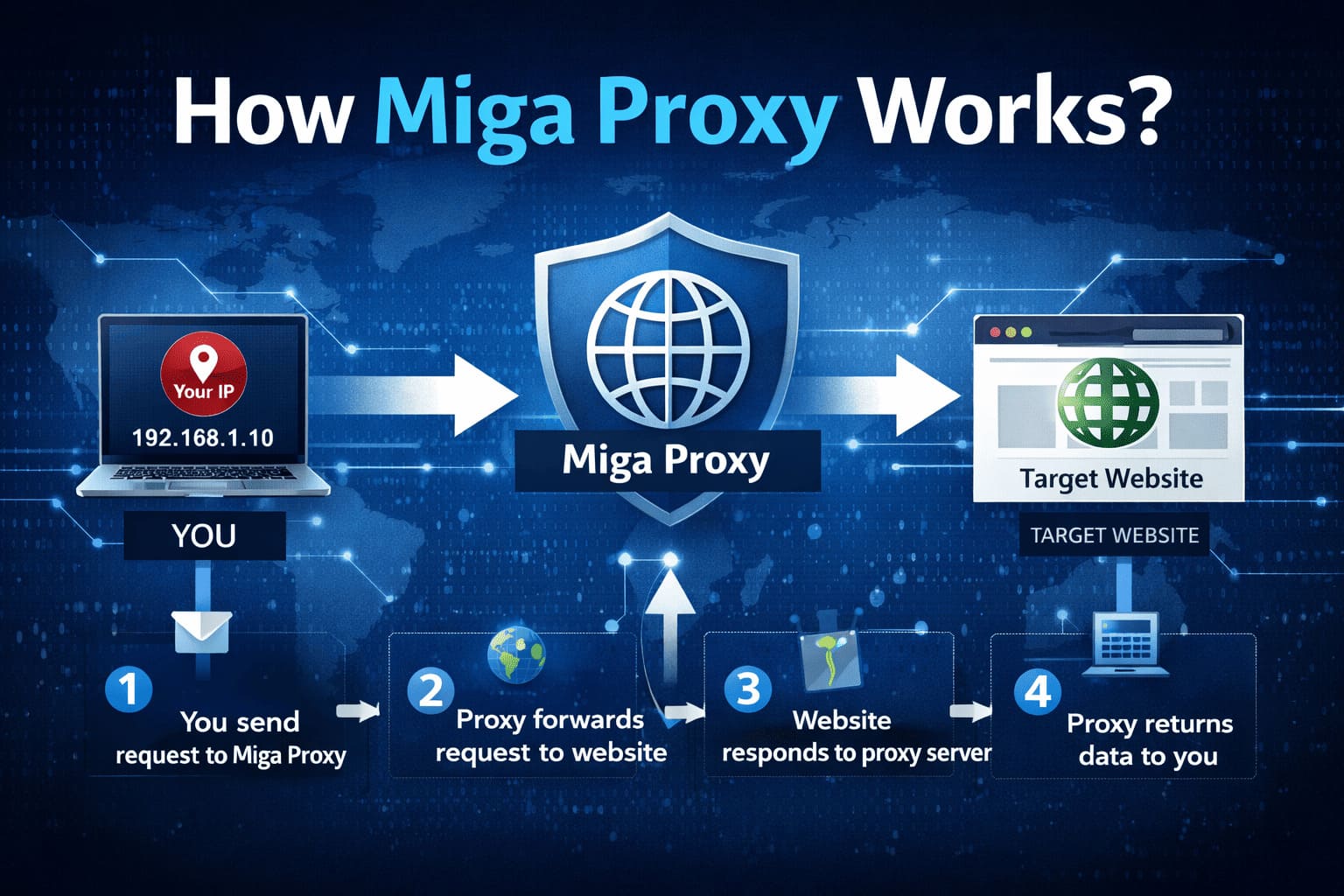
Here’s the real flow:
-
You enter a website URL.
-
Your request goes to the miga proxy server instead of the website.
-
The proxy server forwards your request using its own IP address.
-
The website responds to the proxy.
-
The proxy sends the response back to you.
The website never sees your original IP.
Now, why is this powerful?
Because most restrictions online are IP-based.
Websites block:
-
Too many requests from one IP
-
Suspicious login behavior
-
Traffic from certain countries
-
Automation tools
When you use miga proxy, the traffic appears to come from a completely different location and identity.
If the proxy offers rotating IPs, the system becomes even more dynamic. Every few minutes or every request, the IP changes automatically. This makes detection harder because your activity doesn’t look repetitive from a single source.
There’s also protocol support to consider.
Most proxy services operate through:
-
HTTP proxies (for basic web traffic)
-
HTTPS proxies (encrypted web traffic)
-
SOCKS proxies (more flexible, supports different traffic types)
The type you choose depends on your use case. Scraping tools often require SOCKS or authenticated HTTP proxies. Browser usage is usually HTTP or HTTPS.
One important thing to understand: a proxy does not automatically encrypt all your traffic like a VPN does. It reroutes traffic. Encryption depends on the protocol and website security.
So technically speaking, miga proxy acts as a traffic relay layer. It modifies how websites identify you without changing how your entire device operates.
That’s the operational backbone.
Key Features of Miga Proxy
Now let’s talk about what actually matters to users.
A proxy service isn’t useful just because it hides an IP. It’s useful because of the control it gives you.
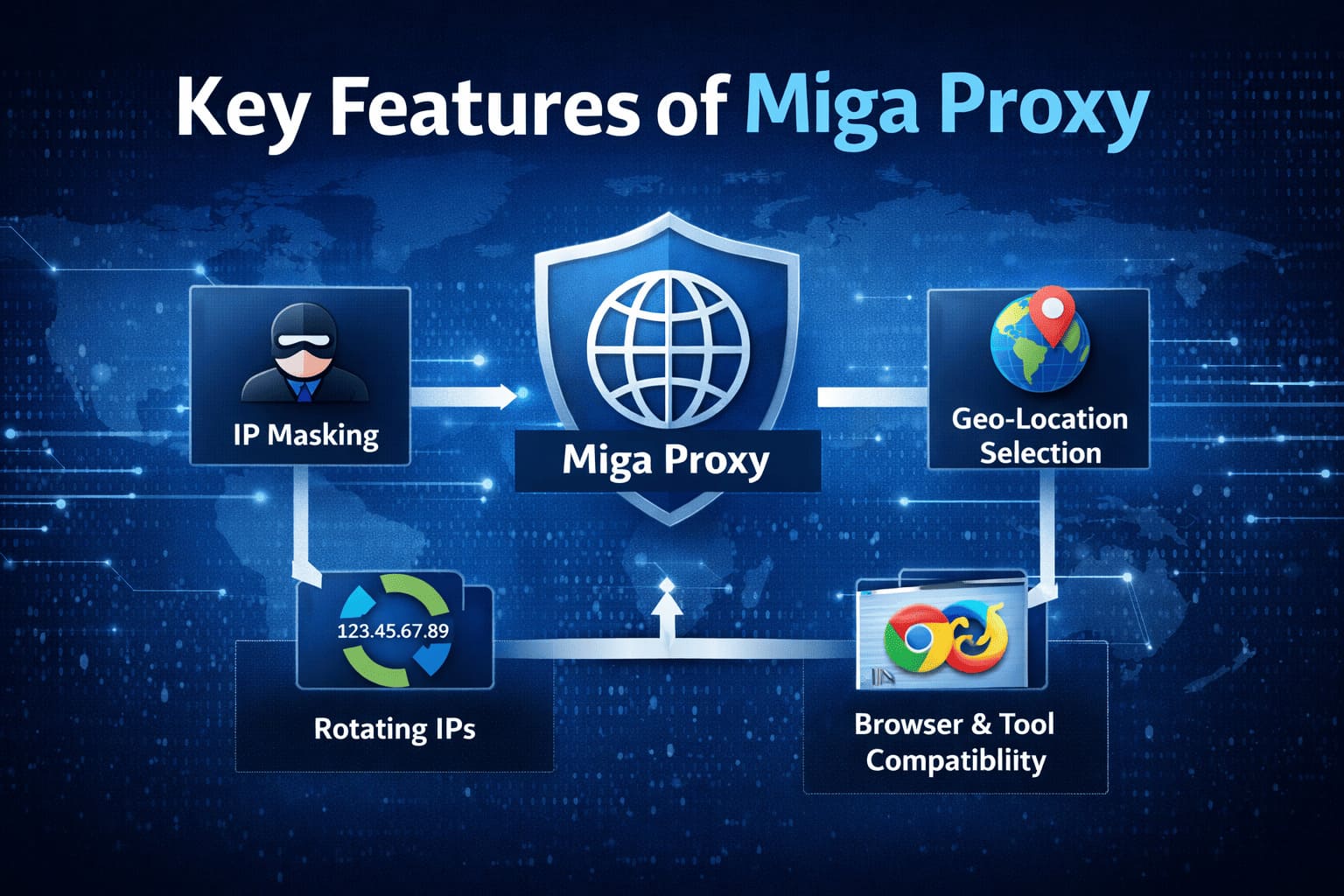
Here are the core features typically associated with services like miga proxy.
1. IP Masking
This is the foundation.
Your real IP address stays hidden, and the proxy IP becomes visible to websites. This helps reduce tracking and prevents direct IP bans.
For digital marketers, this means safer account management.
For developers, this means uninterrupted automation.
Simple but critical.
2. Geo-Location Selection
Many proxy services allow you to choose IPs from specific countries or even cities.
Why does this matter?
Because search results, ads, and content vary by location.
If you’re running SEO campaigns or ad verification, you need to see exactly what users in different regions are seeing. A geo-targeted proxy makes that possible.
3. Rotating IPs
Static IPs work for some cases. But repeated activity from one IP increases detection risk.
Rotating proxies solve that.
They automatically switch IP addresses after:
-
A time interval
-
A certain number of requests
-
Or each connection
For scraping large datasets or managing multiple accounts, rotation reduces flags and bans.
4. Authentication & Access Control
Most serious proxy services require username and password authentication.
This prevents unauthorized usage and secures your allocated IP pool.
Some also offer IP whitelisting, where only approved devices can use the proxy.
For businesses, this adds an extra control layer.
5. Compatibility With Tools & Browsers
Miga proxy can typically be configured in:
-
Chrome and Firefox
-
Automation tools
-
SEO software
-
Scraping frameworks
-
Custom scripts
This flexibility makes it usable beyond casual browsing.
If you’re running structured workflows, integration matters more than anything else.
When you combine these features, miga proxy becomes more than just an anonymity tool.
It becomes an operational support system for digital tasks that require scale, location control, and reduced detection risk.
Common Use Cases of Miga Proxy
Now let’s move from theory to application.
Because nobody searches for miga proxy just out of curiosity. There’s always a goal behind it.
Here’s where proxies actually get used in the real world.
1. Web Scraping at Scale
If you scrape data from websites using one IP, you’ll get blocked. Quickly.
Websites monitor:
-
Request frequency
-
Repeated patterns
-
IP behavior
With miga proxy, especially rotating IPs, each request can appear to come from a different location. That spreads activity across multiple addresses, reducing detection risk.
For developers and data analysts, this is the backbone of large-scale data collection.
2. SEO Tracking & Competitor Research
Search results change based on location.
If you’re tracking rankings for clients in the US, UK, or Australia while sitting in India, your results won’t match theirs.
A geo-targeted proxy allows you to:
-
Check real SERP positions by country
-
Monitor competitors accurately
-
Audit localized search behavior
For SEO professionals, this isn’t optional. It’s necessary.
3. Social Media Account Management
Platforms like Instagram, Facebook, and others track IP behavior aggressively.
Logging into multiple accounts from the same IP can trigger:
-
Temporary locks
-
Verification requests
-
Permanent bans
Using a proxy assigns different IPs to different sessions. That reduces suspicious patterns.
For agencies managing multiple client accounts, this becomes a protective layer.
4. Ad Verification & Campaign Testing
Ads display differently depending on:
-
Location
-
Device
-
User profile
If you’re running paid campaigns, you need to see what users in specific regions see.
A proxy makes that possible without physically being in that country.
5. Accessing Geo-Restricted Content
Some websites restrict content based on region.
With miga proxy, you can connect through an IP from an allowed country and access that content.
This is one of the most common reasons casual users look for proxy services.
Benefits of Using Miga Proxy
Now let’s talk outcomes.
What do you actually gain from using it?
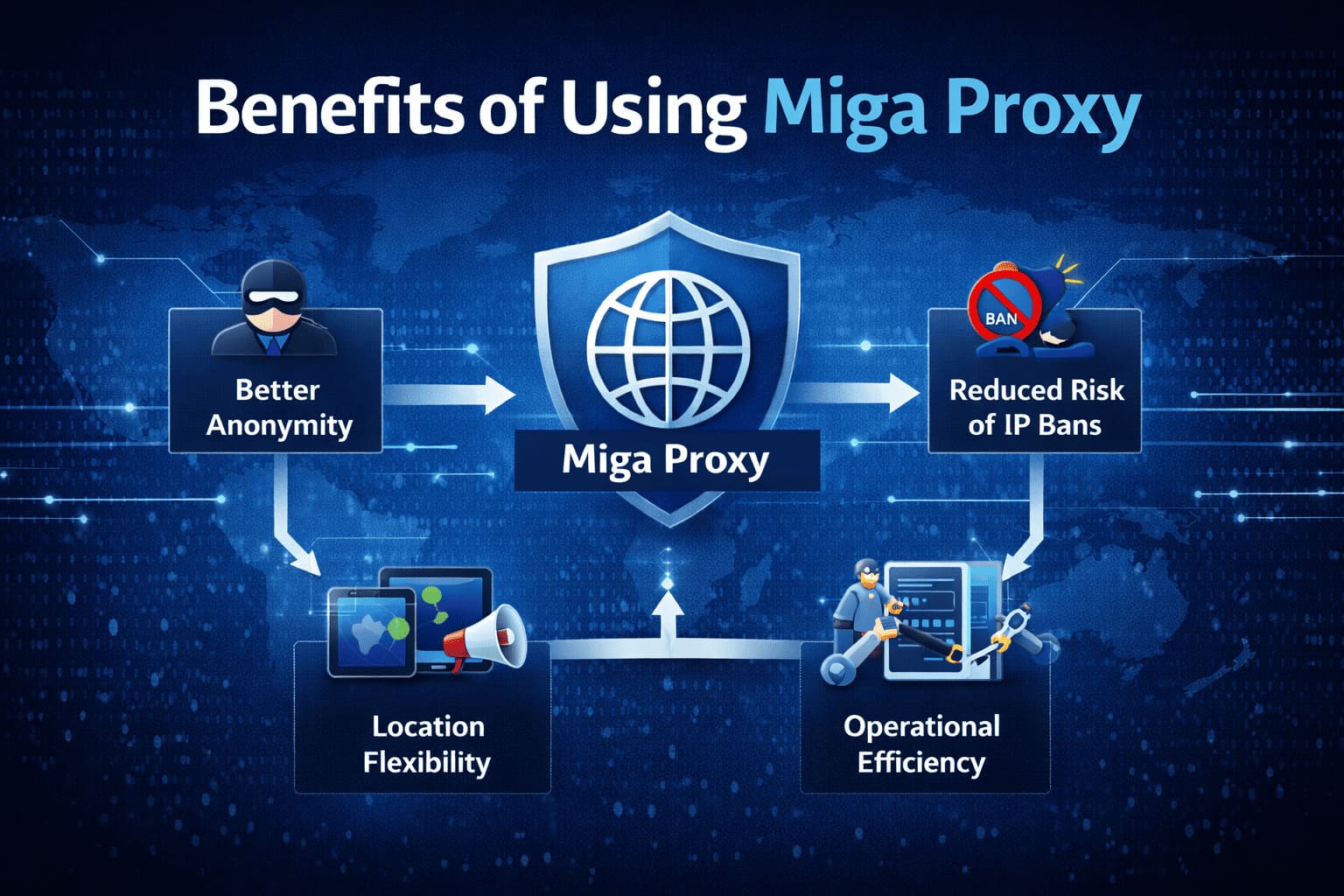
1. Better Anonymity
Your real IP stays hidden from target websites.
That reduces:
-
Direct tracking
-
Immediate IP bans
-
Location exposure
It’s not invisibility. But it’s an extra shield.
2. Reduced Risk of Blocks
If you’re performing repetitive actions — scraping, testing, automation — a single IP will eventually get flagged.
Proxies distribute traffic. That spreads risk.
What this really means is fewer interruptions in your workflow.
3. Location Flexibility
You’re no longer limited by where you physically are.
Need to simulate traffic from London?
Test results from New York?
Verify ads in Dubai?
A proxy makes geographic testing practical and scalable.
4. Operational Efficiency
For businesses running automation tools, proxies keep systems running smoothly.
Instead of manually dealing with bans and resets, you build infrastructure that anticipates restrictions.
That’s a shift from reactive to strategic.
5. Scalability for Digital Workflows
As your operations grow — more clients, more campaigns, more scraping, more testing — IP diversity becomes essential.
Miga proxy helps you scale without triggering constant friction.
Conclusion
Miga proxy is not some mysterious hacking tool. It’s a traffic routing system.
It changes how websites see you.
That’s it.
But the impact of that simple change can be significant.
If you’re in SEO, automation, scraping, social media management, or ad verification, IP control becomes part of your infrastructure. Without it, you deal with blocks, inconsistent data, and constant friction.
That said, a proxy is not a magic shield.
It won’t:
-
Make illegal activity safe
-
Guarantee zero bans
-
Encrypt your entire device like a VPN
It’s a tool. And like any tool, its value depends on how and why you use it.
If your goal is operational efficiency, geo-targeted testing, or reducing IP-based restrictions, miga proxy can be useful. If your goal is full-device privacy and encryption, you may need additional solutions.
Choose based on your objective.
That’s the smarter approach.
FAQs About Miga Proxy
1. What is miga proxy used for?
Miga proxy is typically used to hide your IP address, access geo-restricted content, run automation tasks, scrape websites, and manage multiple accounts without triggering IP bans.
2. Does miga proxy hide my real IP address?
Yes. When configured properly, the target website sees the proxy server’s IP instead of your original IP address.
3. Is miga proxy the same as a VPN?
No. A proxy reroutes specific traffic through another server, usually at the browser or application level. A VPN encrypts all traffic on your device and routes everything through a secure tunnel.
4. Is miga proxy legal?
Using a proxy itself is legal in most countries. However, how you use it matters. Engaging in illegal activities through a proxy remains illegal.
5. Can I use miga proxy for SEO purposes?
Yes. Proxies are commonly used for tracking keyword rankings, analyzing competitors, auditing localized search results, and running SEO automation tools.
6. Does miga proxy work for social media management?
It can. Agencies often use proxies to assign different IPs to different accounts, reducing the chance of account restrictions due to suspicious login behavior.
7. Are free proxy services safe?
Free proxies often come with risks such as slow speeds, unstable connections, logging of user data, and potential security concerns. Paid services are generally more reliable and secure.
8. What is the difference between rotating and static proxies?
A static proxy keeps the same IP address for a longer duration. A rotating proxy changes IP addresses automatically at intervals or per request, reducing detection risk.
9. Will miga proxy prevent all website bans?
No. Websites use multiple detection methods beyond IP tracking, including browser fingerprinting and behavioral analysis. A proxy reduces risk but does not eliminate it completely.
10. Can I use miga proxy on mobile devices?
Yes, if the service provides compatible configuration settings. Proxies can typically be set up on mobile browsers or at the network level, depending on the device.
11. Does miga proxy encrypt my data?
Not necessarily. Standard proxies reroute traffic but do not automatically encrypt all data. Encryption depends on the protocol (such as HTTPS) and your overall setup.
12. How do I know if my proxy is working?
After setup, you can search for “what is my IP” in a browser. If the displayed IP address is different from your original one, the proxy is active.